
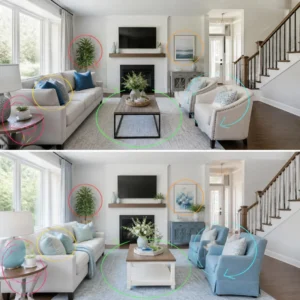
Original Image
Modified Image
Image Comparison Online
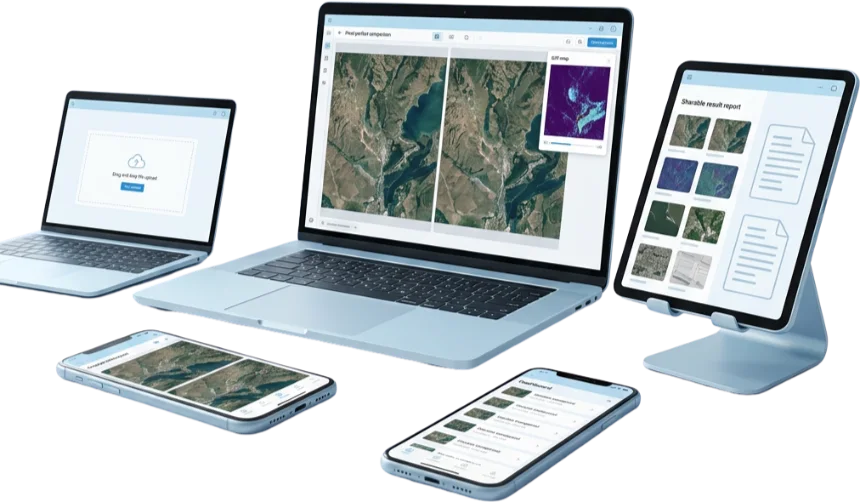
Compare two images, screenshots, graphics, and design files side-by-side to analyze differences in (metadata) size, resolution, timestamps, and all other changes. You can export detailed results for offline records. The tool is free, secure, and user-friendly, and uses advanced algorithms to perform pixel-level analysis of images via 3 modes: Slider, Highlight, and Fade View. Supported file formats include JPG, PNG, WebP, and GIF.
You can quickly check photo edits, verify image quality, spot duplicates, and find other tiny changes with our AI-powered Image Comparison Online tool. It performs side-by-side comparisons with interactive sliders and detects pixel-level differences. Then instantly identifies visual differences and similarities between two photos and generates a highlighted Diff report so you can see exactly where the files differ. It is entirely free, privacy-protected, and supports all popular formats, including JPG, PNG, WebP, and GIF.
The tool works without downloading any software; you will just upload your original and altered pictures and will get an accurate automatic analysis, which also includes metadata checks, resolution differences, and color variations. The advanced features, such as fade transitions and adjustable highlight colors, make this comparer perfect for design verification, forensic analysis, or photo authenticity checks. Whether for casual use or professional purposes, our diff checker makes your every task simple, precise, and reliable, even in spotting the smallest changes.
What is Image Comparison Online Tool?
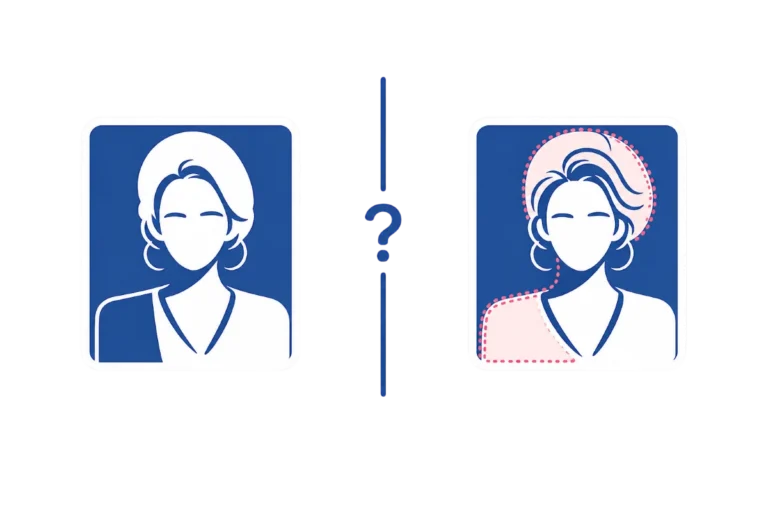
An image comparator tool compares two images side by side and highlights visual differences. It helps users quickly identify changes in colors, objects, layouts, screenshots, and graphics. It works, for example, by checking two photos of your home to see what changed. While this tool focuses on Photo Comparison Online, users who need to compare Excel Sheets can use our Excel Comparer.
How To Compare Images Online?
You can compare images easily by following these simple steps. Upload your images, select a comparison method, and review the differences.
1. Upload Your Images
2. Select a Comparison Method
3. Start the Comparison
4. Review and Export Results
How Image Comparisons Work?
This Image Comparison Online analyzes two or more images to find similarities and differences with advanced algorithms.
Performs pixel-by-pixel comparison; a pixel in one image is compared with the corresponding pixel of the other image.
All changes are flagged and highlighted. Then, the tool creates a difference-highlighted image that can be downloaded.
This shows where the image differs with a detailed visual analysis, focusing on altered areas.
Key Features of Image Comparor:
Our Compare Images Online tool offers multiple features that make the comparison process smooth.
Fast Processing:
This Image Comparison Online tool uses real-time image processing. It works with high speed and precision using advanced algorithms and supports multiple formats, JPG, PNG, WebP, GIF, Raw camera files, sketches, BMP, ICO, TGA, TIFF, and design files with a drag and drop interface.
Multiple Comparisons Modes:
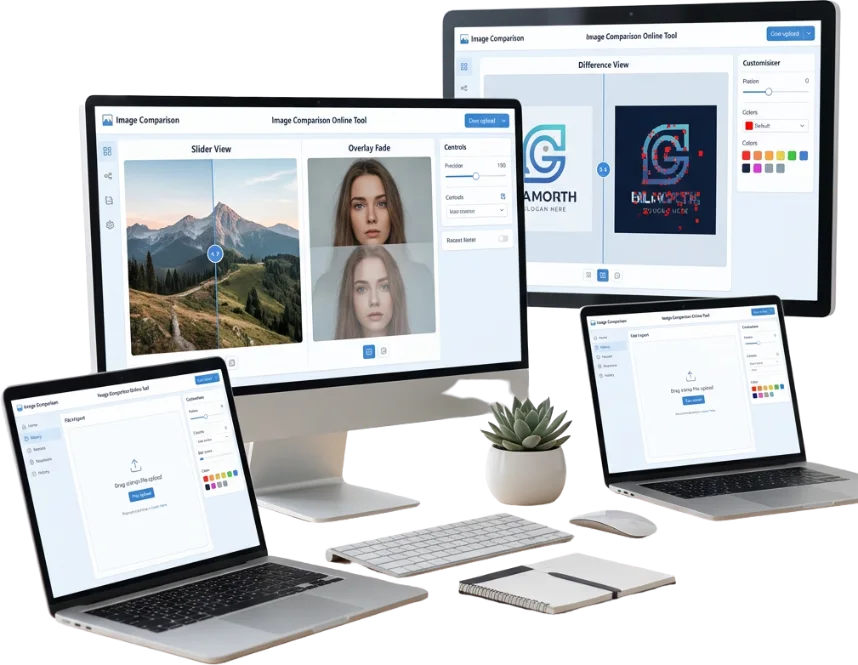
It offers various comparison views. Slider View: drag the slider to compare images side-by-side. Overlay / Fade View: for smooth transitions between images. Difference View: Detect pixel-level differences and see precise variations by customizing highlighted colors.
Lightweight Open Source:
This lightweight tool is under 2MB in size. It loads quickly. You can share it across various devices. As an open-source application, it gives users full freedom to customize the source code for reliable image analysis.
Privacy With Smart Indicators:
It uses Canva-API technology and displays color-coded visual feedback with full data security and privacy protection. So, you can easily identify the matching and mismatching properties of two images by clearly highlighted changes.
Interactive Slider:
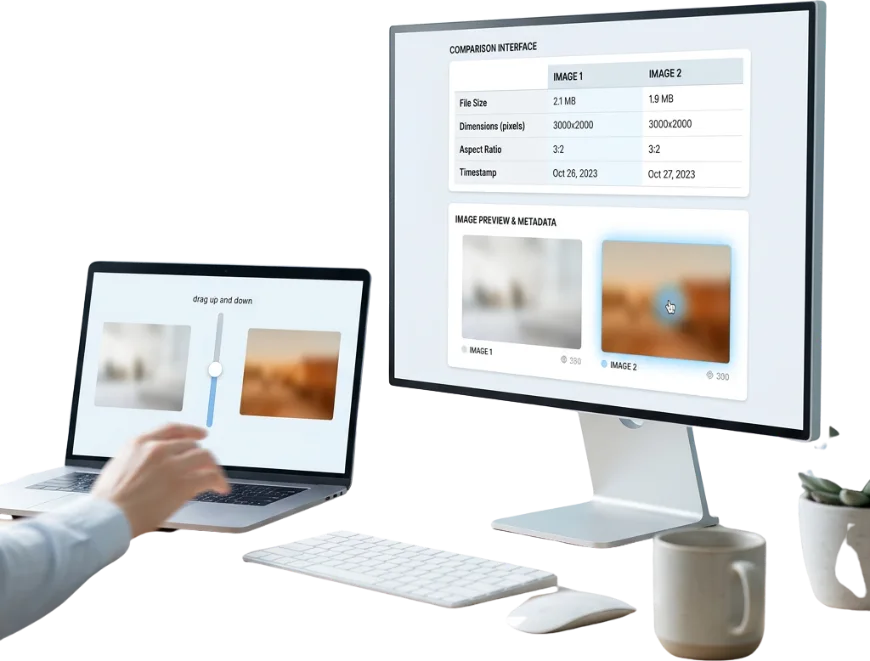
You can drag the slider up and down to reveal variations with smooth transitions and a hover preview.
Metadata Analysis:
This AI-powered tool checks metadata, size, dimensions, aspect ratio, and timestamps, and displays all this information in an easy-to-read comparison table.
Tips for Better Online Image Comparison:
Use Slider View for detailed side-by-side online image comparison, especially when you want to check both images closely.
Enable Resize to Same Size when comparing images of different sizes, so both images align properly during comparison. For your assistance, this option is now auto-enabled.
Adjust transparency, use images of similar size, and try different comparison algorithms to spot subtle changes and get more accurate results.
Common Use Cases:
|
Compare Design Iterations: |
To verify design updates or website redesigns. Check UI changes. |
|
Check for Unwanted Image Changes: |
Identify alterations to check removed or added elements. Find unintended edits. |
|
For QA & Testing Teams: |
To automate visual regression testing. For A/B visual verification, device-specific UI testing. |
|
Before/After Comparisons: |
Use interactive sliders or side-by-side views. To clearly showcase transformations, edits, or improvements. |
|
Format Conversion and Compatibility: |
Automatically convert unsupported image formats to PNG. Easy comparison and universal compatibility. |
|
Advanced Difference Detection: |
Perform precise pixel-level analysis. Anti-aliasing and color difference controls. |
Why Choose Us?
Frequently Asked Questions
Conclusion:
To conclude, our Image Comparison Online application simplifies your task by making complex image analysis effortless and faster. It helps you review changes, confirm edits, and validate image accuracy with confidence. Whether design reviews or quality checks, it provides a practical way to evaluate visual content efficiently. Results are reliable, and workflow is easy; which makes this tool a useful solution whenever precise image analysis is needed.