The cat runs quickly through the garden. Mom cooks dinner every evening and the room feels bright.
The cat walks quickly through the garden. Mom serves dinner every evening and the room feels warm.
Text Compare Online
Compare two texts, files, or code to find instant differences and download the result with highlighted changes. Supported formats include .TXT, .RTF, .CSV, .DOCX, DOC, .XML, .HTML, .CSS, .JS, and all code files, except PDF Compare. This browser-based tool is fast, free, secure, and helps content managers and developers to identify content duplication and originality.
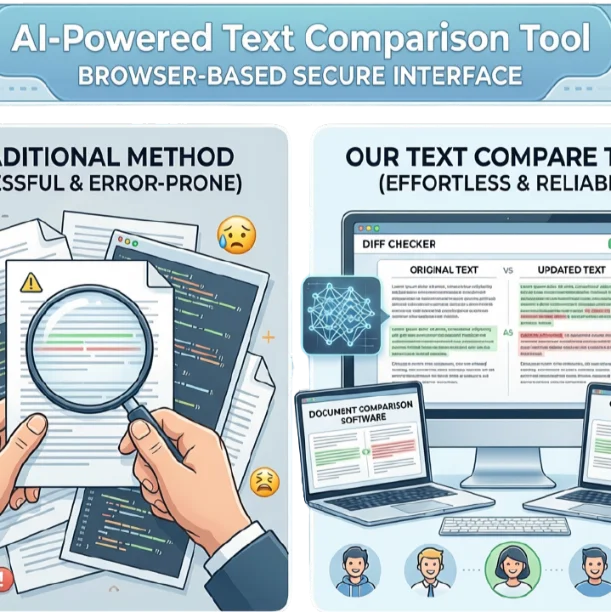
Our Text Compare tool quickly compares two pieces of text, documents, file content, lists, and codes, then accurately highlights differences. When we spot changes manually in document reviews or code files, no doubt it’s a very difficult task. This diff checker has solved your problem with its AI-powered comparison technology, simple interface, and unlimited free use.
If we edit content or check code updates traditionally, we may miss some edits, hidden passages, or version differences that lead to errors and confusion, which is stressful. Our Text Compare is for your convenience; it works securely in your browser and delivers results in intact formatting. So, now content or file comparisons are effortless for students, teachers, and all users who need reliable results.
What Is The Text Compare Tool?
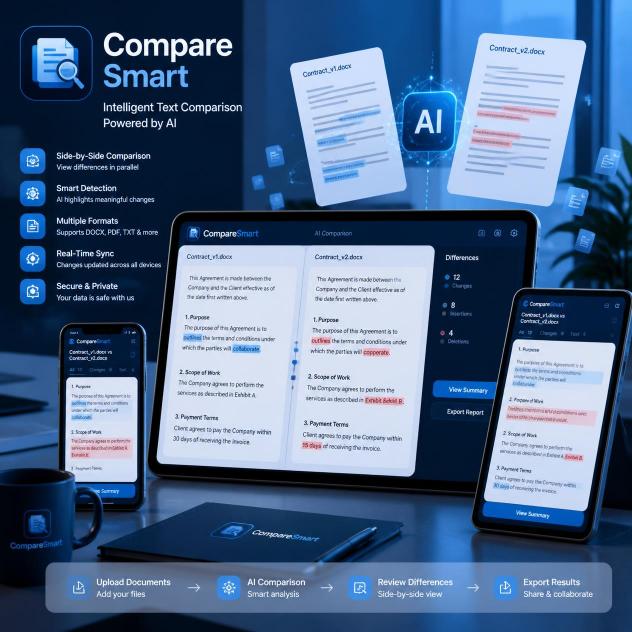
It is actually an AI-powered software application that comparar two raw texts, documentos, files, web pages, dos listas, and emails. Then, mark the differences in words and characters to identify updates that make the content plagiarism-free.
You can compare and point out différence entre configuration files and text strings. It helps to avoid poor paraphrasing that conveys the same meaning as the original text, even in unordered articles and shuffled content such as notes.
How To Compare Text Online?
You can evaluate text easily by following these simple steps.
Add Original Text
Paste or upload your text.
Add Modified Text
Insert updated content.
Compare
Find differences instantly.
Download Result
Save your result easily.
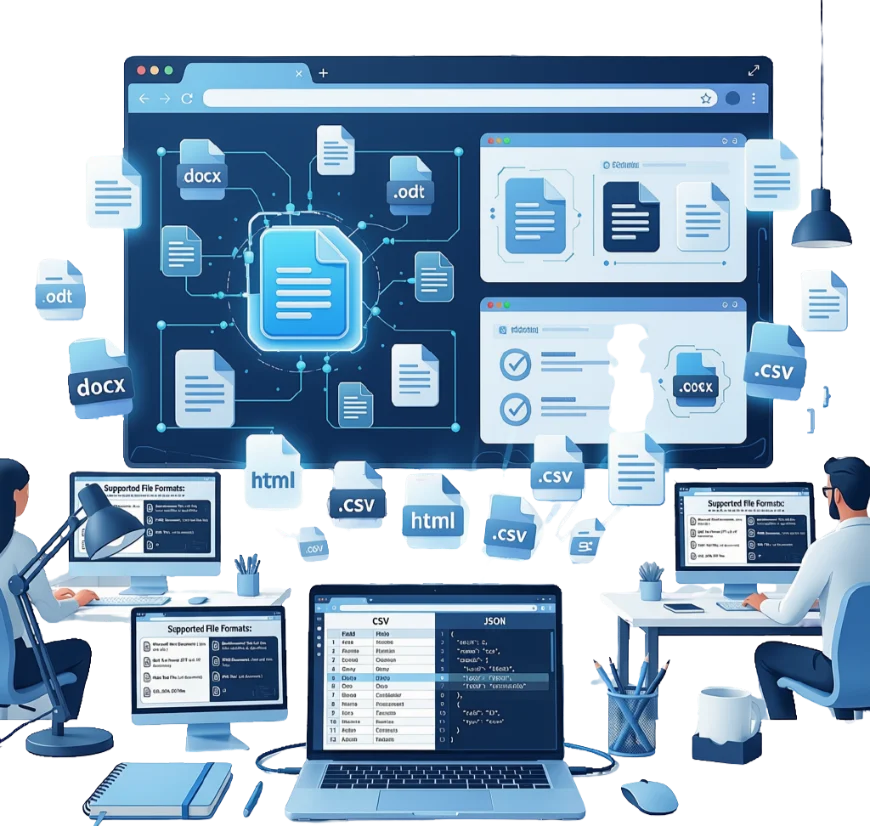
Supported File Formats:
Key Features Of Text Compare:
This tool has multiple advancements that make comparison tasks smooth and effective.
Fully Customizable:
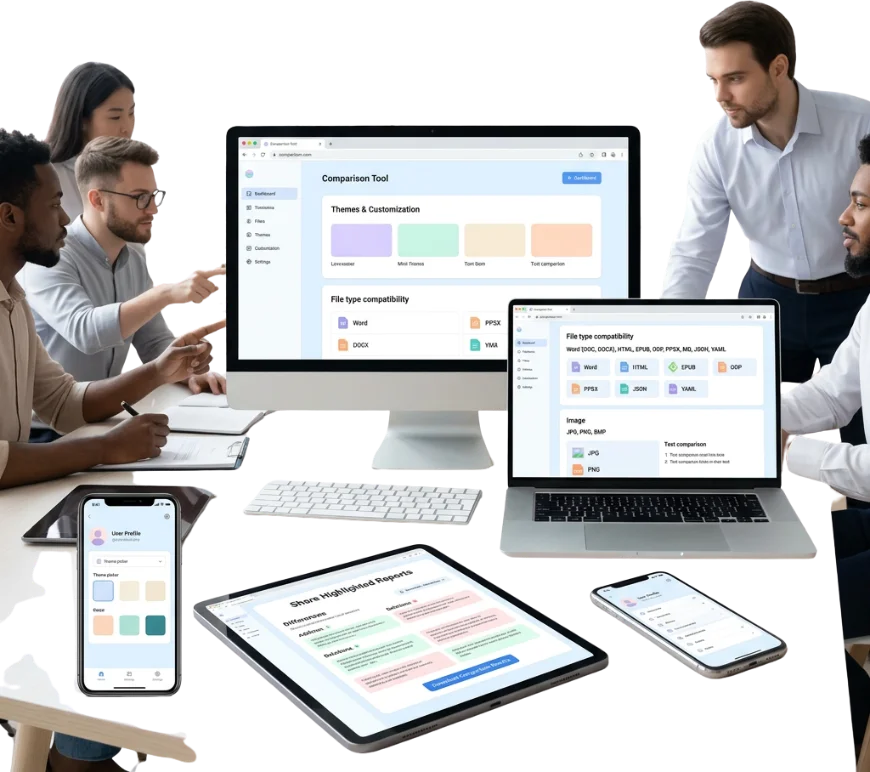
You can compare various file types: Word (DOC, DOCX), HTML, EPUB, ODP, PPSX, MD, JSON, and YAML. This comparative tool also compara the texto of images (JPG, PNG, BMP) without missing any important changes. We have added a new feature, users can now Compare Files Using URLs instead of manually uploading.
Time Saver:
The manual dois textos comparison is a time-consuming process. Use this artificial intelligence-designed text comparator to compare text quickly, in minutes, and reduce your effort. The tool is powered by the industry-leading Microsoft Monaco Editor — the same technology behind Visual Studio Code. This provides a distraction-free text-editing experience.
Accurate Instant Results:
Our comparateur de texte uses the Myers Diff Algorithm, an advanced engine that analyzes content token by token. This provides quick, error-free results that save users’ time and mark exact differences with guaranteed accuracy.
Share Highlighted Reports:
Users can download their comparação results with elegantly highlighted differences. And can also share the downloaded reports with anyone, either privately or publicly.
Review Codes:
This code difference checker helps developers to review codigo files with syntax-highlighted changes. You don’t need to install any software for this. Detect errors effortlessly now!
Duplicate File Finder:
It confronta testi or files side-by-side and detects duplicate content by clearly highlighting diferencias entre matching sections of both your files.

Why We Outstand?
This Text Compare is totally cost-free, ensures safety, and easy to use.
Secure And Private
All user data is visible only to the user. Our tool deletes your data immediately after comparison.
Easy To Use
This text diff checker has a simple interface. You can use it without any technical skills.
Free Unlimited Use
Users don’t need to sign up or buy subscriptions for unlimited comparisons.
Why use this Text Comparer?
|
Check Content Originality |
Codes Reviews |
|
Thesis Verification |
To avoid Costly Errors |
|
Simplify Proofreading |
Research Text Compare |
This comparador de textos identifies copied or reused code segments between two files, which supports better review and version comparison. It uses automated comparison technology to simplify the user’s proofreading process and prevent costly errors by detecting content changes within seconds.
Students and teachers can analyze assignments, tests, and theses to identify copied work. Writers, editors, webmasters, and document users can now easily determine whether their content is unique. If you comparer deux textes and your modified passage is completely different from the target original text, the tool shows 0% matching.
Frequently Asked Questions
Conclusion:
To conclude, in the marketplace, you see many online tools ontool, but our TextCompare offers the most powerful features. It is a reliable, efficient solution for anyone who needs accurate, hassle-free content comparisons or differenze tra archivos without any complexity.